
Juicebox 🍊 App Design
Brief: Create a digital experience for a Year 10 student to research career pathways and select their Year 11 & 12 subjects to align with their tertiary and workforce goals. Ensure that your design includes a working IBM Watson Assistant.
Project Duration: 24 hours
Team Members: Judy Liu, Vivian Chen & Yuka Mochizuki
Tools: Adobe Illustrator, Adobe Photoshop, Figma & Miro
Awards: 1st Place in IBM x DigiSoc Product Design Hackathon
Design Thinking Process
The IDEO Design Thinking process was used to respond to the brief and develop our solution:
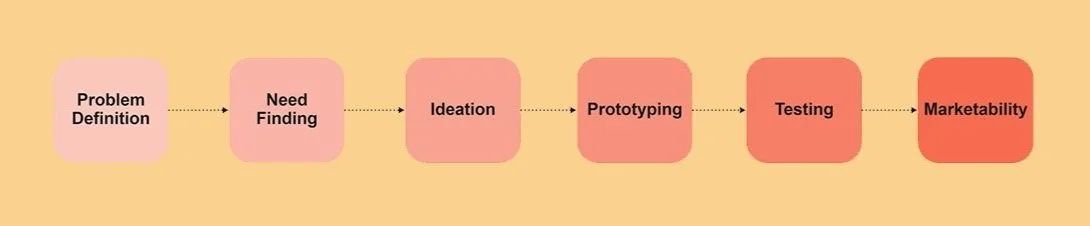
Problem Definition
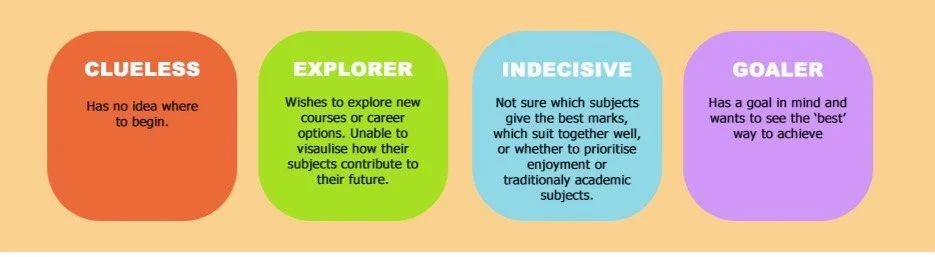
Given the time restriction, we began by rapidly noting down our initial thoughts based on informal primary research with existing high school students, our personal anecdotal experiences and online ethnographic secondary research. This allowed us to roughly segment the Year 10 student market into 4 types of user groups:
Need Finding
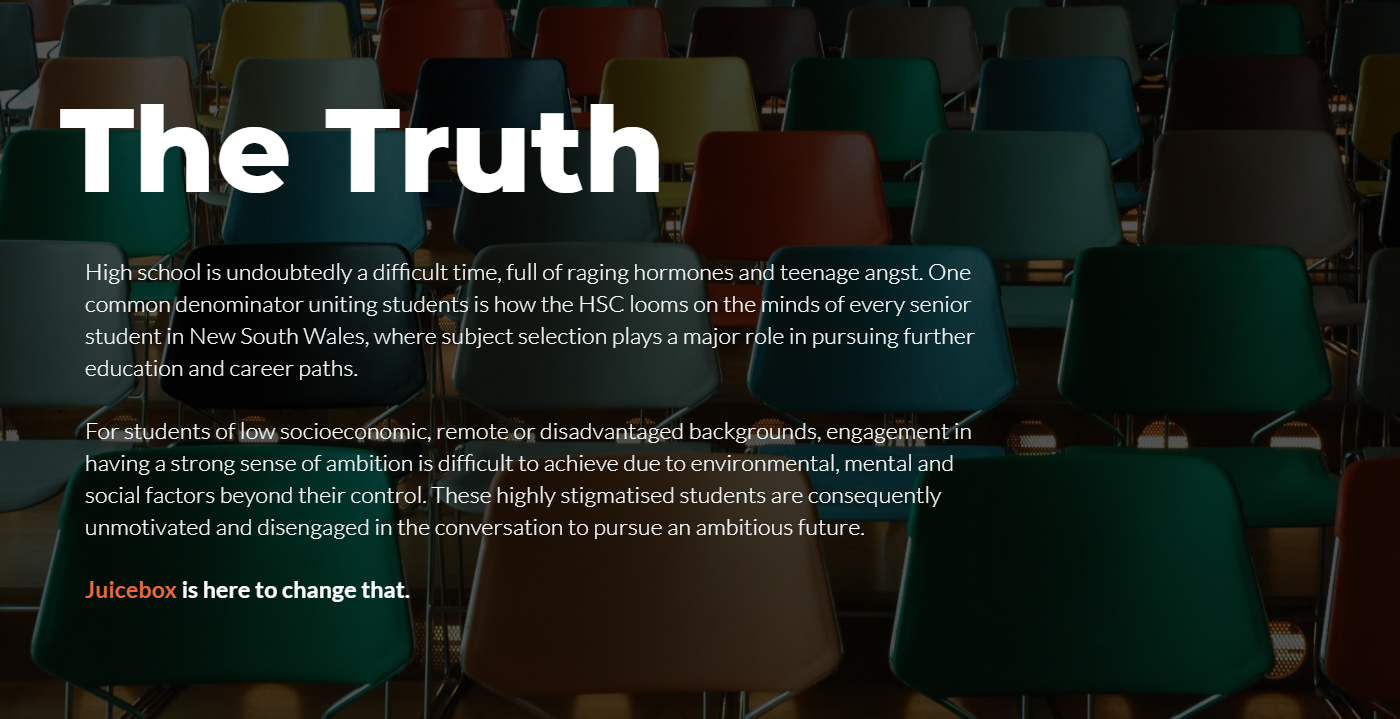
To further specify our market and scope, I researched further into external environmental factors that may impact students. This direction was based on my anecdotal experiences volunteering in lower-SES background schools a few years ago, from which I had learnt of the unique challenges students in this sector faced.
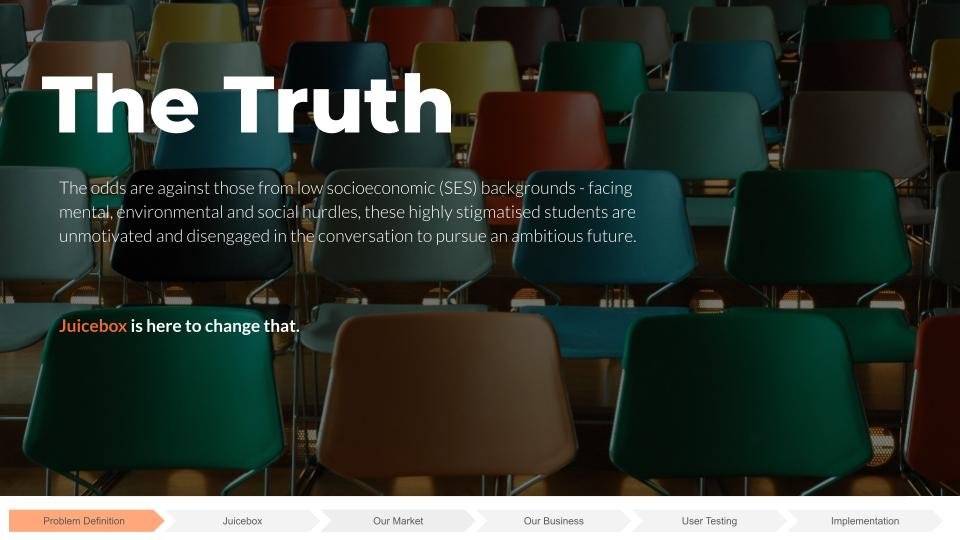
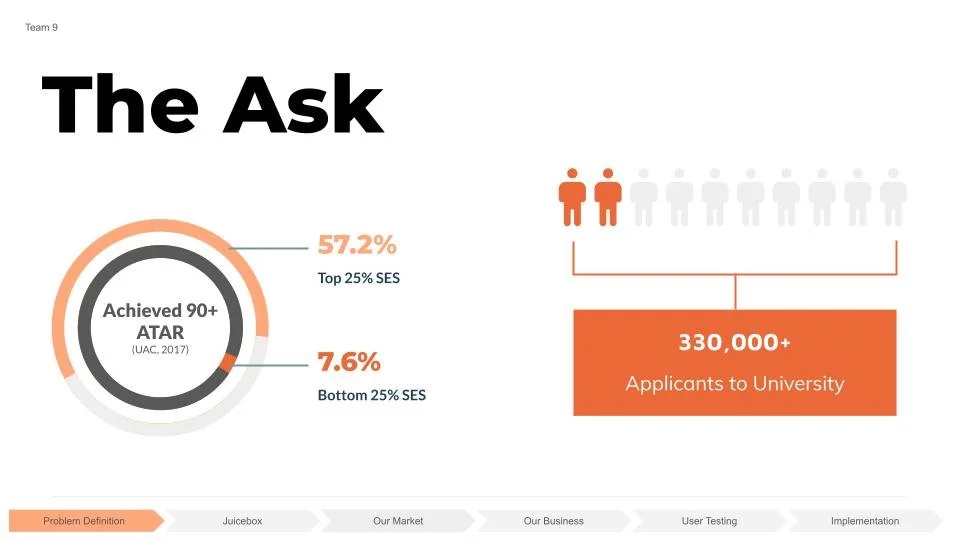
A key finding was that one cause factor for students unmotivated to pursue higher education or achieve a high ATAR is the lack of access to information, knowledge and resources guiding them towards choose a university pathway (Brown, Wohn & Ellison, 2016). Compared to high-SES background counterparts, young adults are also at higher risk of above average student loan debts (Houle, 2014).
It was crucial to note that the range of challenges that students face, such as lack of access to mental health support, technology or guidance from older, experienced people are not a student's own fault. Instead, it is due to the circumstances they happen to be in. Therefore, this was the problem we defined to be the one we hoped to tackle.
Ideation
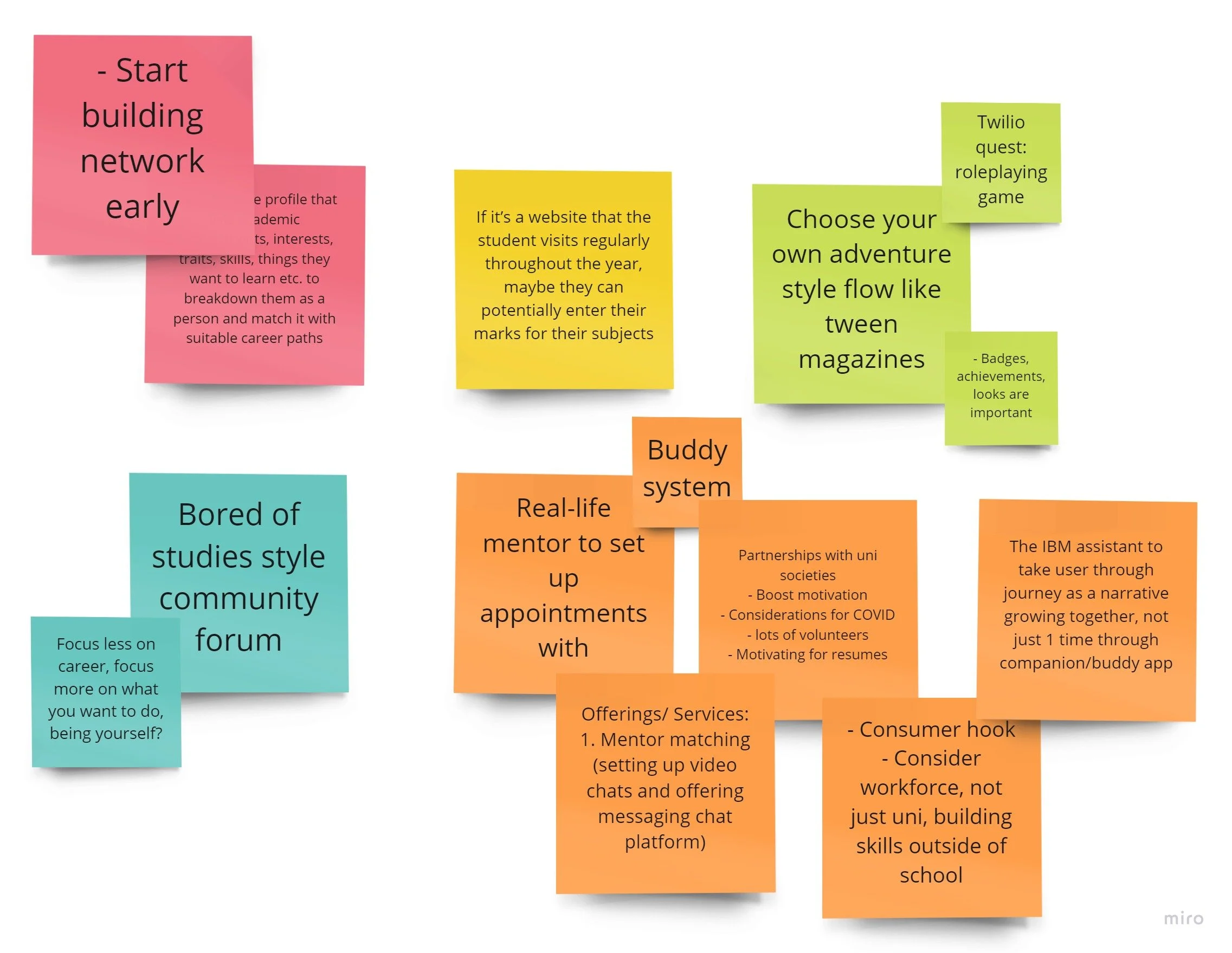
Noting down ideas for our digital experience, we made sure to not feel pressured by time to choose the first idea that came to mind. Instead, we took the findings from the research to develop an idea that specifically addressed our defined problem and segment.
Chosen Concept
We decided on the idea for a mobile application that allows Year 10 students to be paired with a mentor who may be a university student, industry figure or existing professional. This idea was selected due to the suitability to our defined problem, while still addressing the given brief. Students are able to discuss about their academic life or careers with the mentor. There is also features which allows students to explore tertiary courses and jobs in the field.
The AI messaging assistant was to be incorporated in the from of a friendly chatbot that assists in the pairing process.
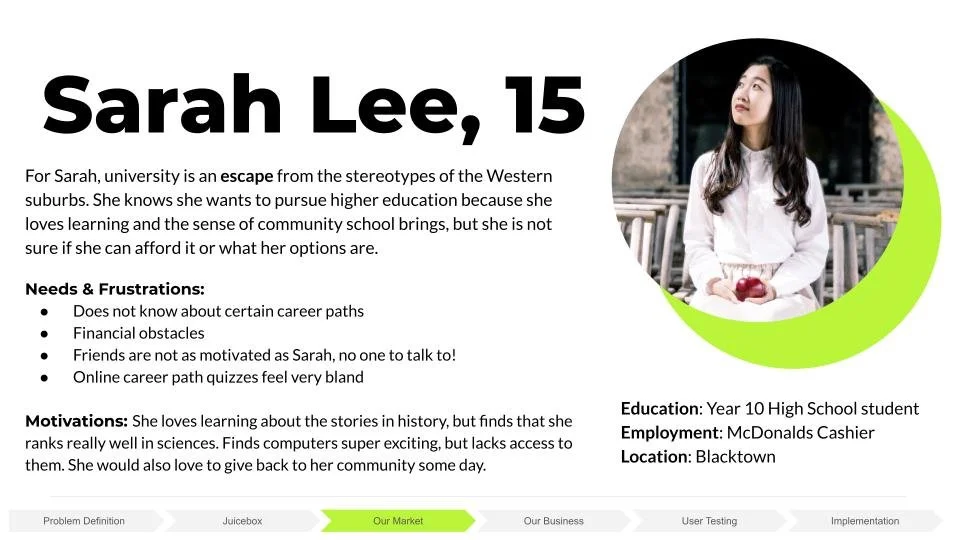
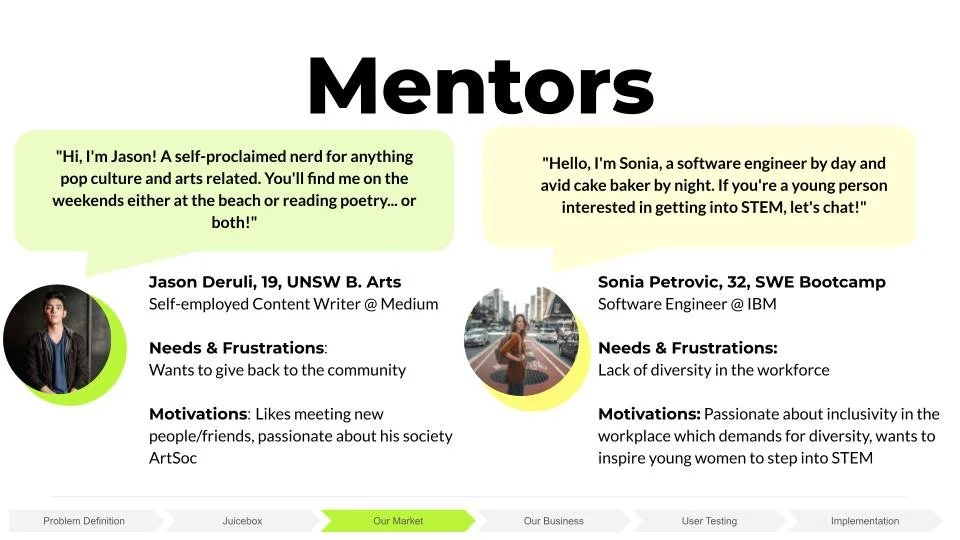
The solution would target the defined segment of 'Clueless' students. Personas were created with biographies, needs, frustrations and motivations of the users of the application - students and mentors - to be able to place these users are the forefront of our design.
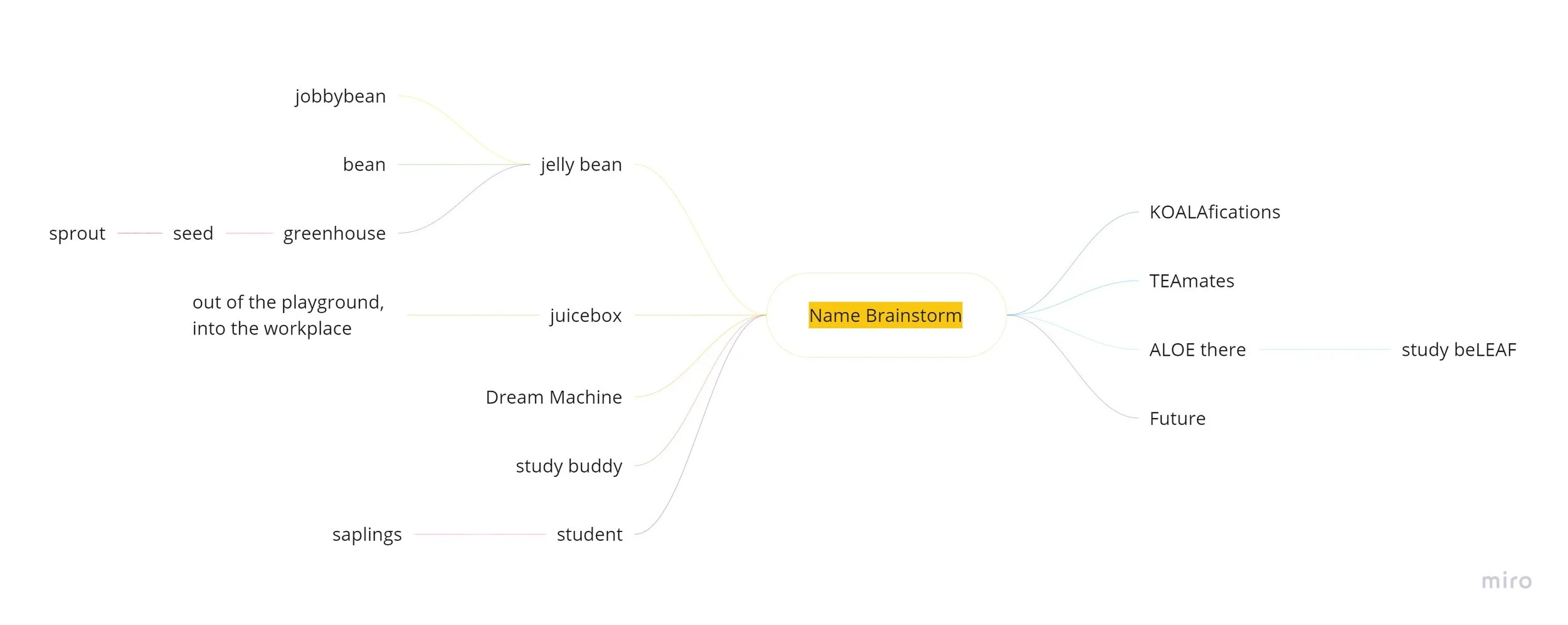
We named the application Juicebox, relating how many children grow up with a carton of juice in their lunchboxes. Connoting vitality and freshness, a combination type logo and a pictorial mark was designed to visually reflect this messaging.
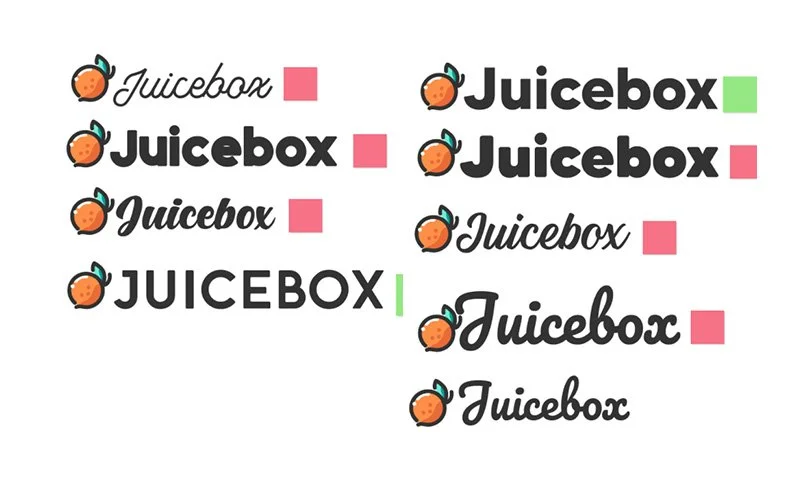
Final chosen combination logo:

Brand mascot named Pip:

User Flow Diagram
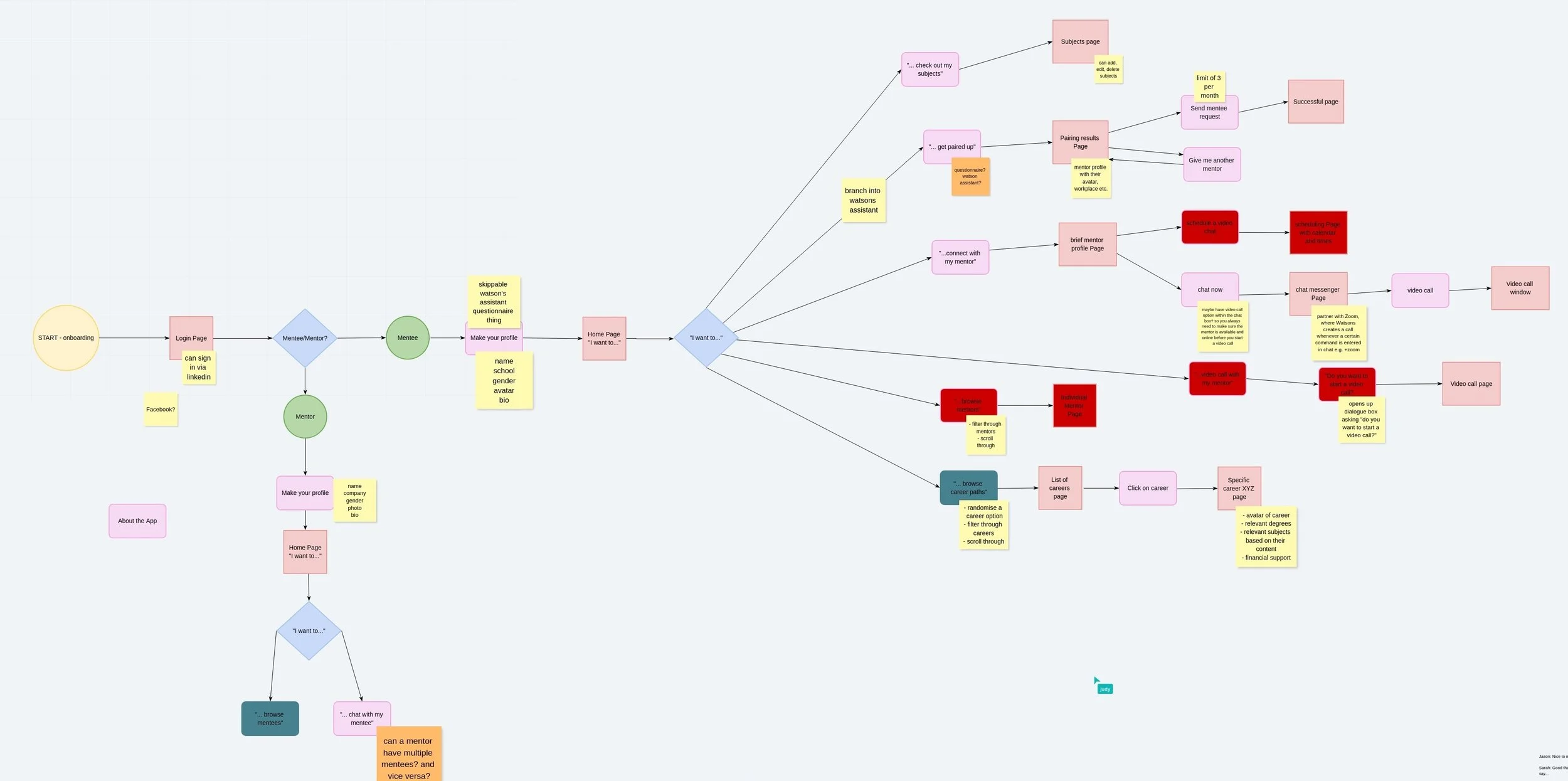
A user flow diagram was created to refine the user experience of interacting with the app. This diagram details the onboarding page from login or sign-up, the different processes for whether the user is a mentor or a mentee, as well as the process of browsing and pairing up with mentors. There is also the option to explore career paths or understand HSC courses better for mentees who wish to access written information.
Low Fidelity Mock-up
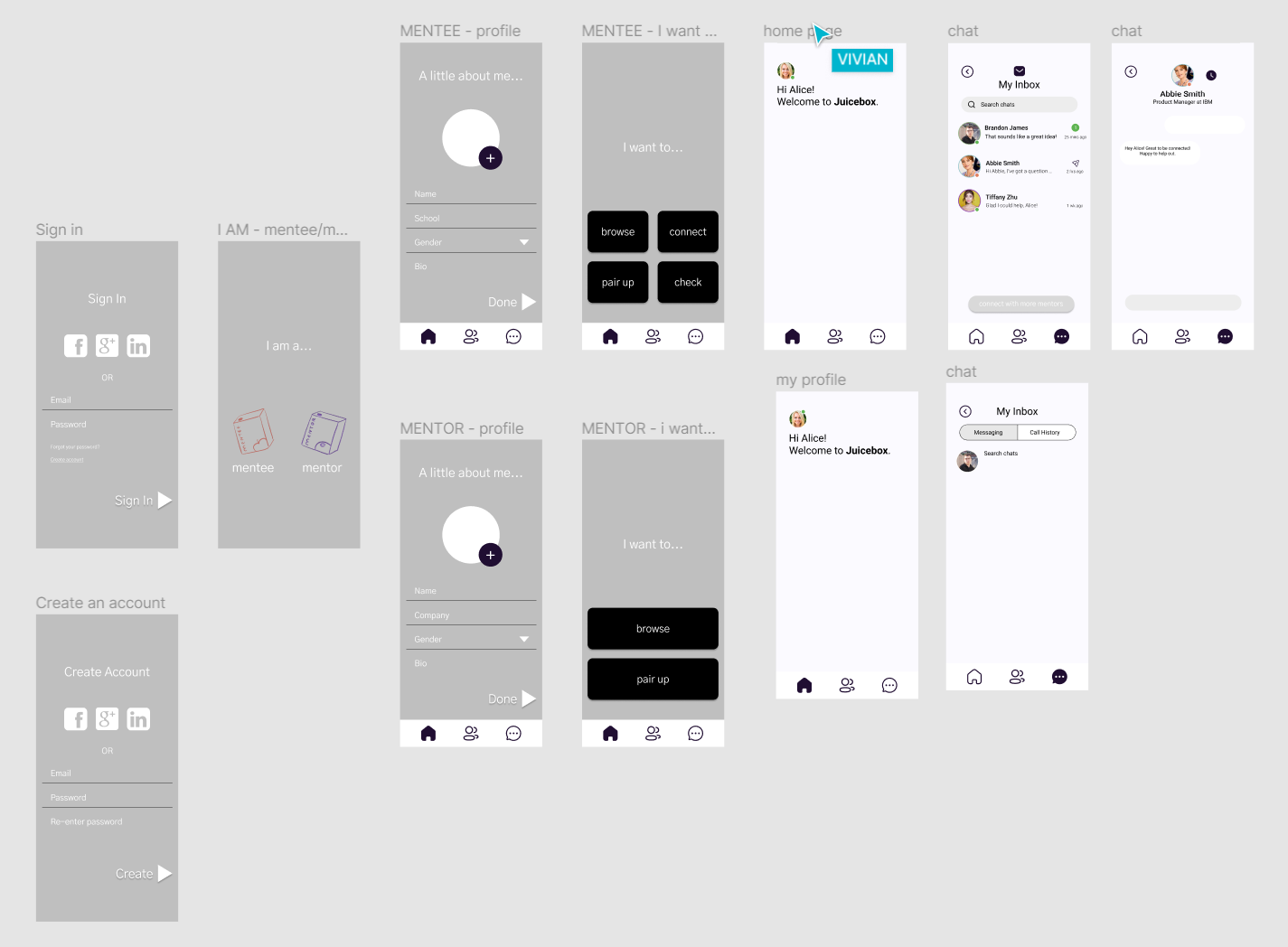
A low fidelity prototype was then created using Figma. The aim was to create a wireframe to test functionality, develop the onboarding process and begin creating the general look and feel of the app.
Chat Bot
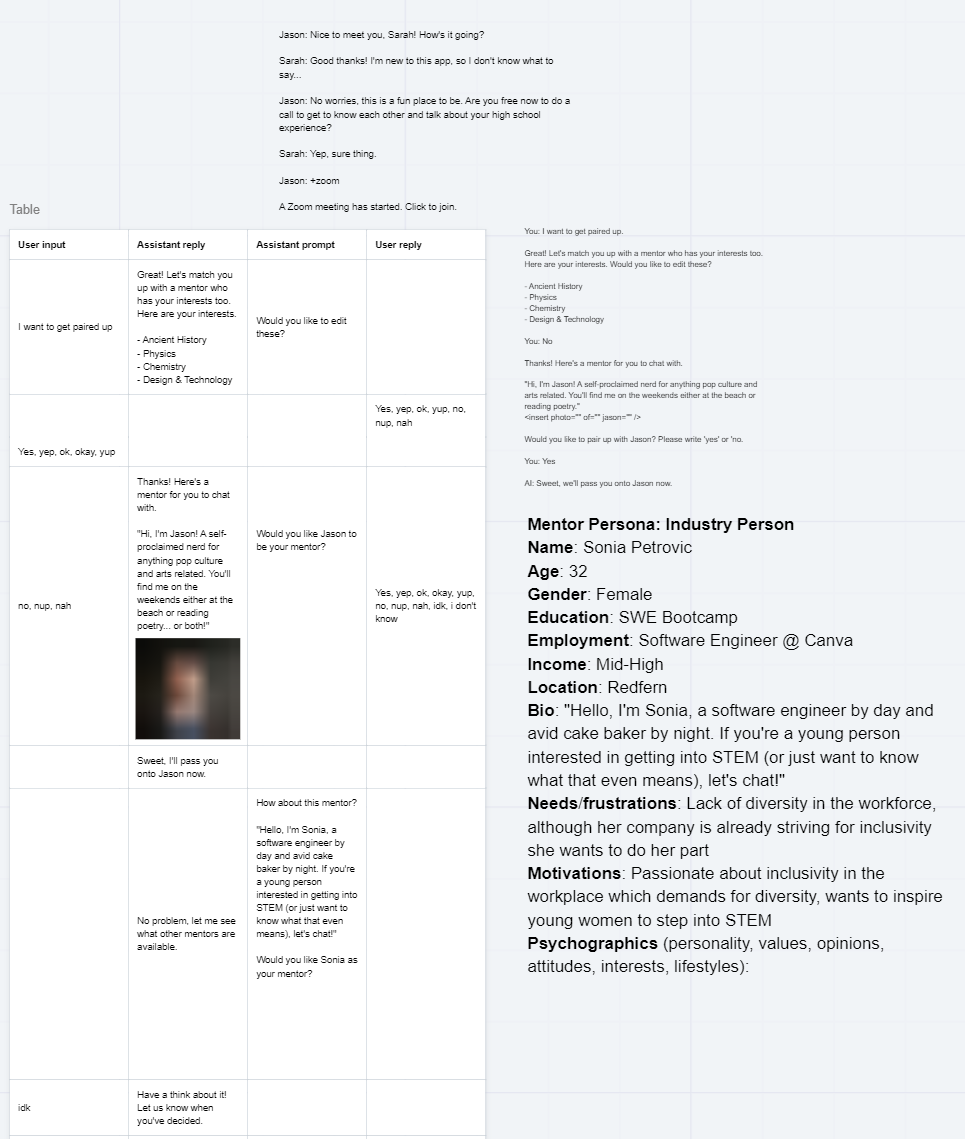
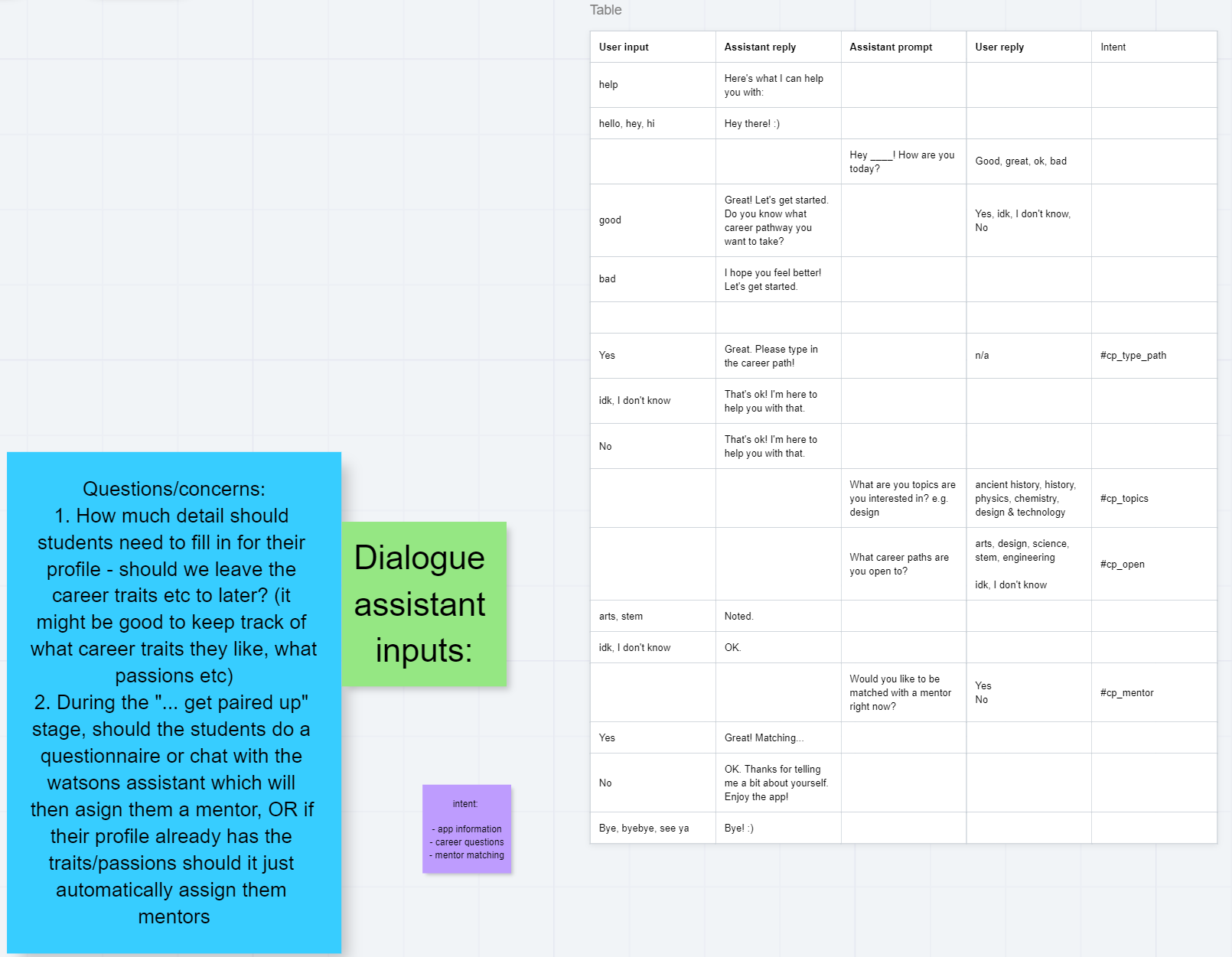
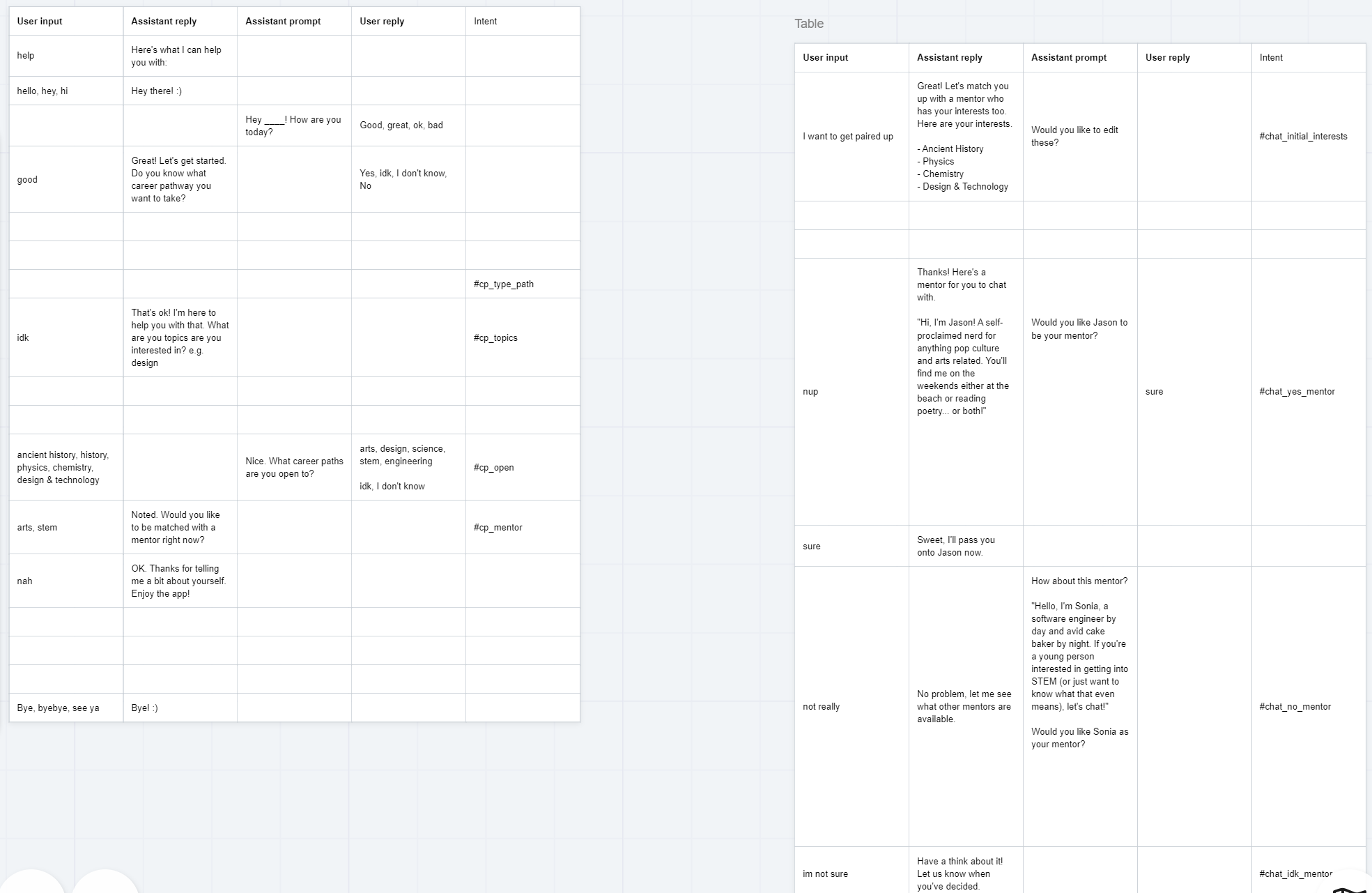
Concurrently, we were creating the chat bot assistant using the IBM Watson tool. The dialogue was copywritten in reference to the created user personas. Casual language was used for realism, and multiple user journeys were written up for the final prototype.
High Fidelity Prototype
A higher fidelity prototype was then created to fully visualise the final concept.
The IBM Watson feature was used to make the onboarding process more friendly and personable, allowing the user to input their career goals and interests into the chat to set up their profile. The assistant, Pip, then pairs up the user with mentors, allowing the freedom to accept or reject potential mentor matches based on their career interests.
User Testing
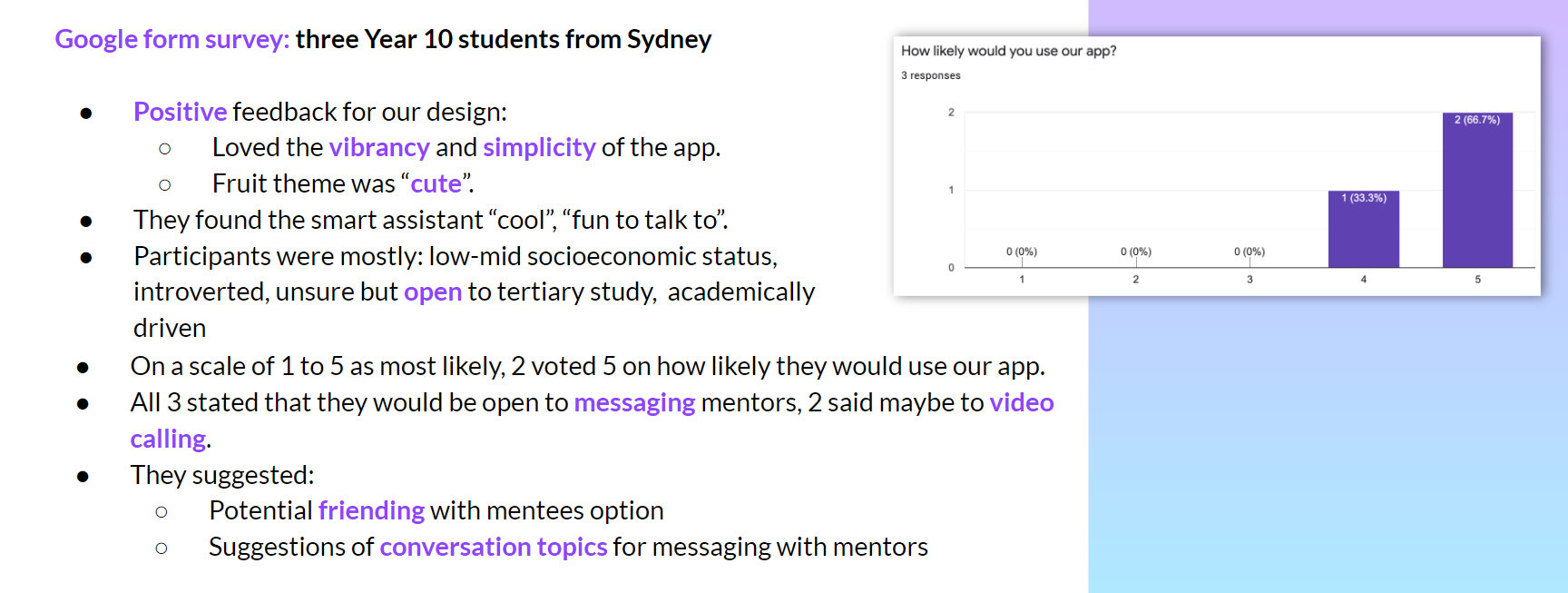
We conducted user testing on 3 Year 10 students who gave positive feedback on our design, loving the vibrancy and simplicity of the app.
All voted that they were very likely to use our app and provided suggestions on further expansions. This included potential friending with mentees and suggestions of conversation topics for messing with mentors.
Business Pitch
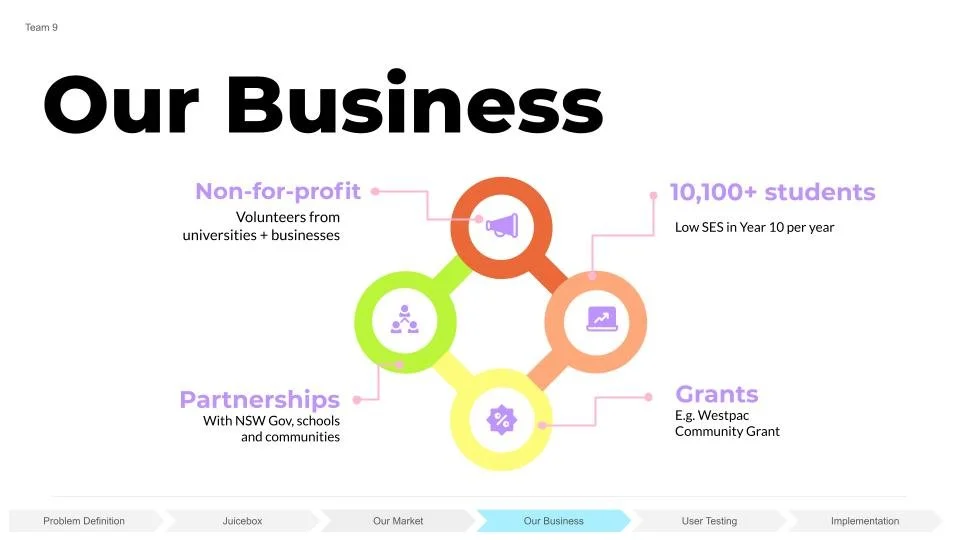
A business plan was then pitched to IBM representatives to explain the approach, our design decisions and also the viability of the app as marketable.
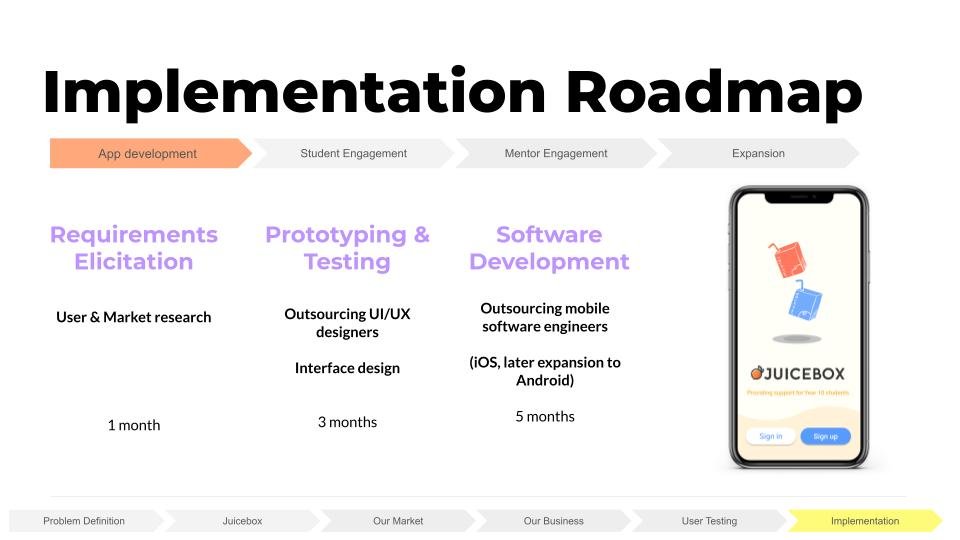
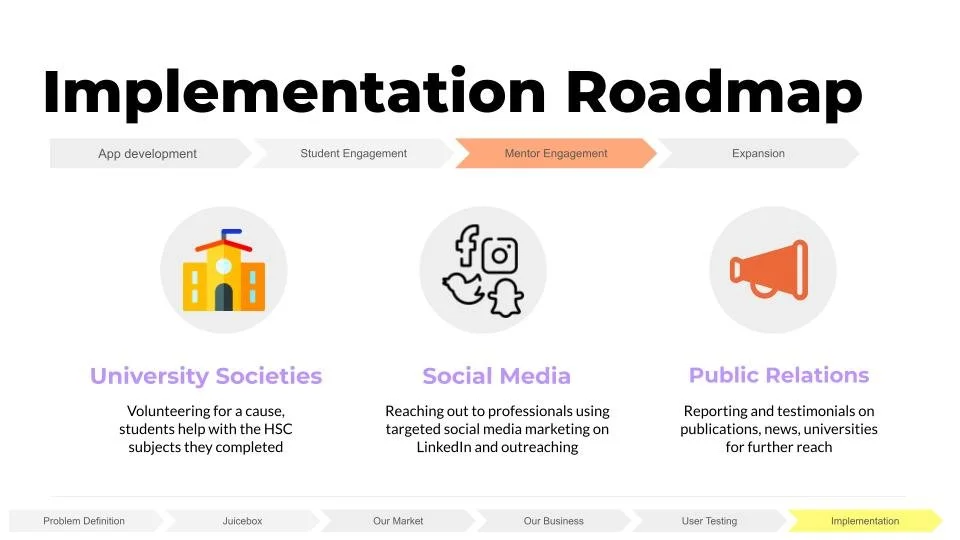
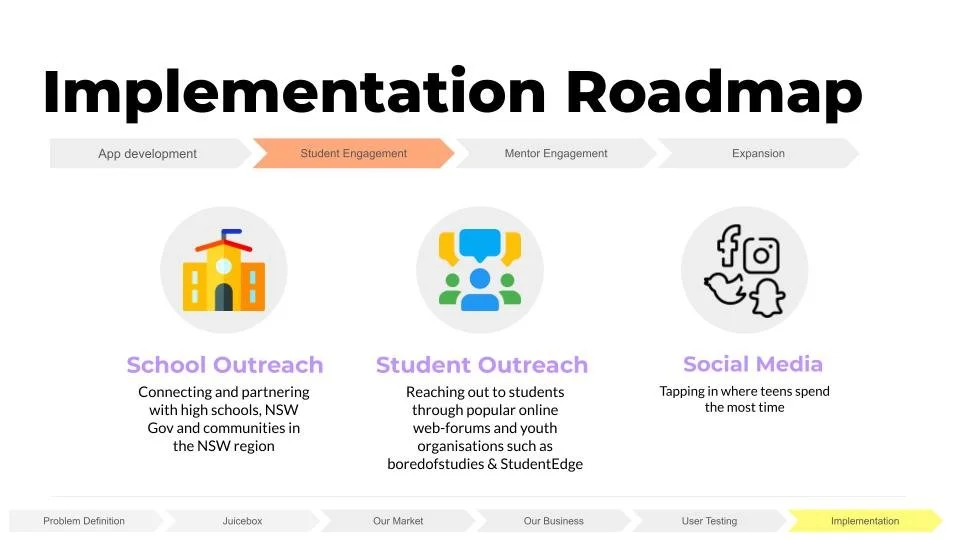
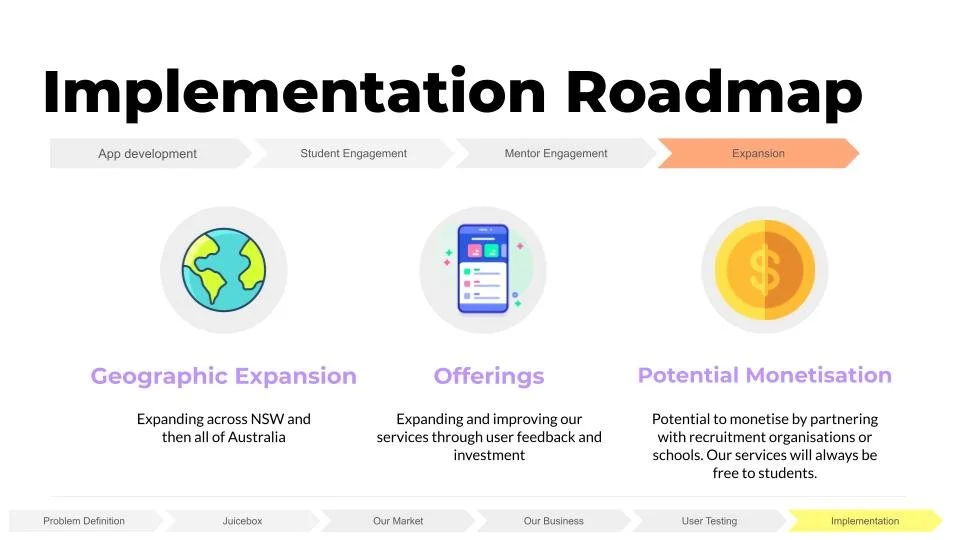
Our business plan included an implementation roadmap covering the app development process, how we planned to engage students, mentor engagement and future possible expansions to maintain the relevancy of the app.
Reflection
Having volunteered and worked in the education space since 2015, the fight for equal access to education is a particular passion point of mine. To address this cause with product design was a crossover of my interests in social impact and technology, thus making the process very enjoyable for me. I was particularly proud to be able to apply all stages of the design thinking process despite the 24 hour time constraint. Resisting the urge to quickly decide on a concept and spend most of the time working on visuals and the UI, my team and I instead took our time initially to properly research and identify a specific, real and plausible need. This ensured our execution had a solid foundation to work from, meaning we designed in a user-centric way, ultimately leading to a differentiated solution well-liked by the judges.
🍊
So like how many of us grew up with a juice box in our kiddy lunchboxes by our side, Juicebox is an app that pairs identified students with a buddy to be by their side.